Create
LinkedIn ads
with spreadsheets
Skip the clicks. Upload a spreadsheet. Ready in minutes.
Free trial · 30 rows · No credit card · No time limit
CUT HIRING COSTS
Scale output without scaling your team.
Same team. 10× the output.
Download
Export a template pre-filled
with your real account data.
Upload
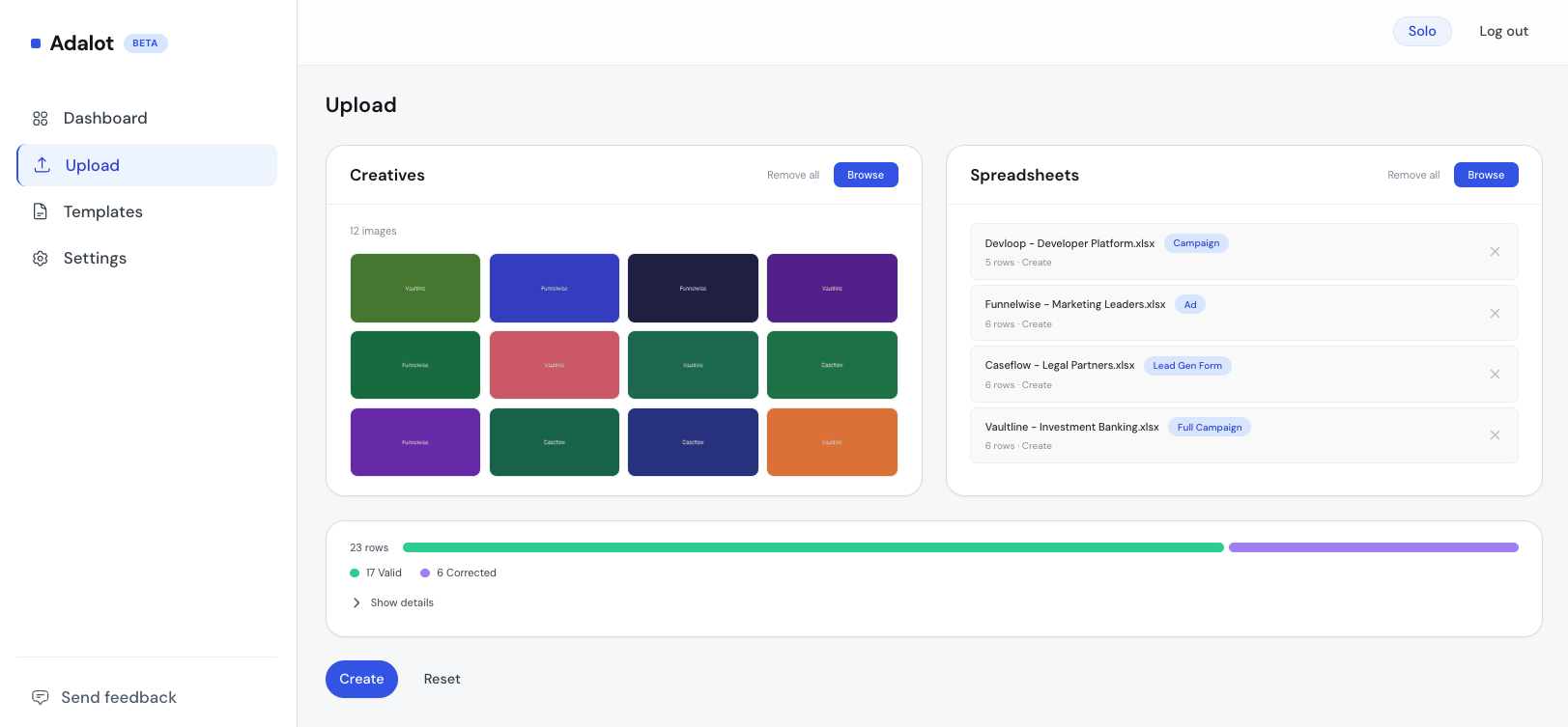
Fill in your campaigns, ads,
and forms. Upload once.
Launch
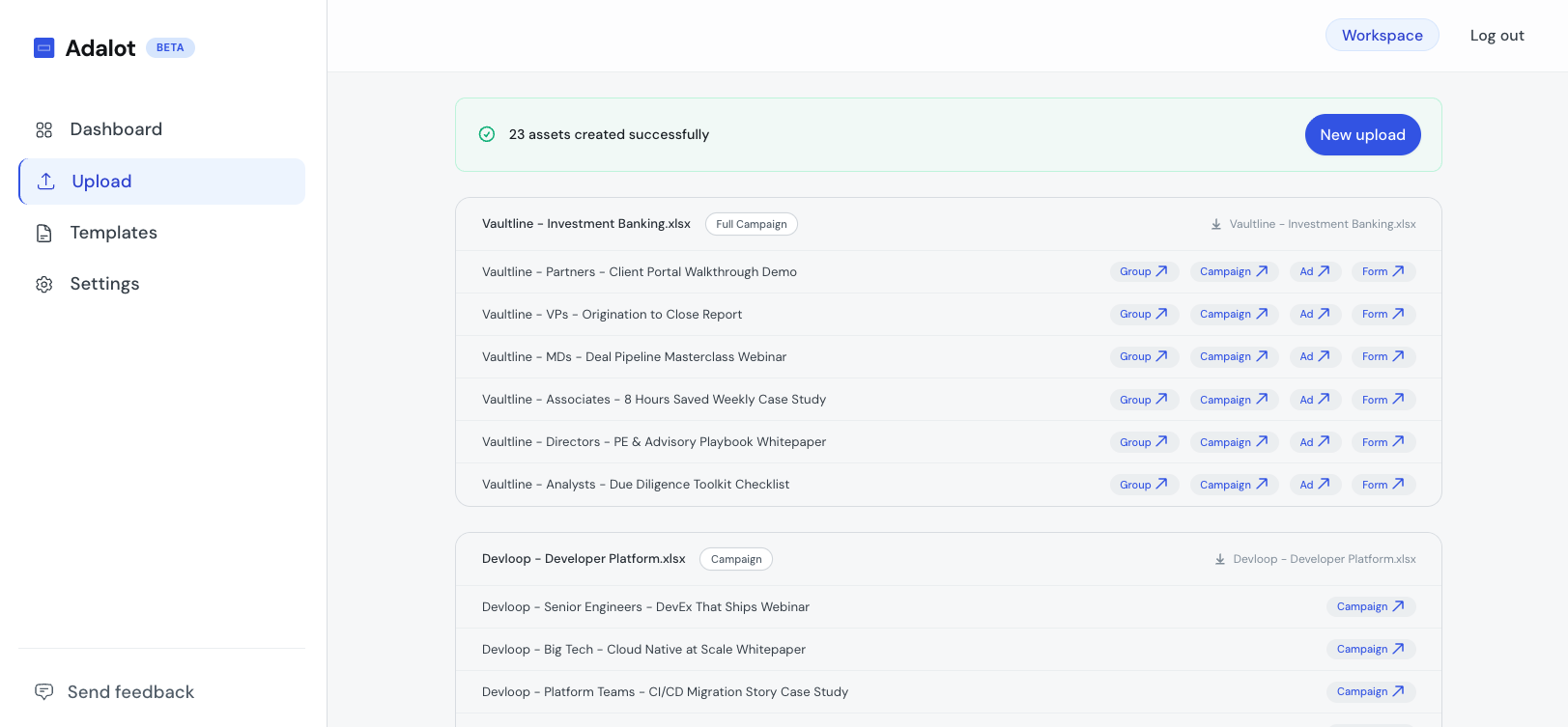
Publish in one click.
Results exported to Excel.
Less setup, more strategy
Get hours back every week.
The same work. A fraction of the time.
Scaling means more headcount
Scaling means more rows
Slower time to market
Campaigns ready in minutes
Hours on campaign setup
Minutes per upload
Senior staff doing data entry
Senior staff doing senior work
Team stuck in the UI
Team focused on strategy
One campaign at a time
15+ ads in one spreadsheet
8 steps per campaign
One row per campaign
No way to edit campaigns + ads together
Edit everything from one file
Same fields, reselected
Copy a row, tweak
No error detail when things break
Row-level error exports
Scale without complexity
Full funnel, or your call
Build it all at once, or one entity at a time.
Objective
Lead Gen · Website Visits · Awareness
Ad
Single Image
Lead Gen Form
Lead Gen objective
More formats coming soon.
Built for
Teams tired of manual setup
Agencies
Every new client means more clicks, more tabs, more setup. Not anymore.
Take on more clients
Teams
Test more creatives, audiences, and offers without losing hours to manual setup.
Run more experiments
Solo
You know what converts. The setup shouldn't take longer than the thinking.
Spend more time on strategy
grow pipeline · grow pipeline · grow pipeline
Early pricing
Start free. Scale when ready.
30 free rows. No credit card. No time limit.
Scale
For growing teams
- Manage 10 ad accounts
- Your whole team, no extra cost
- Priority support
Cancel anytime
Need something else?
Get in touch or Book a demo →
FAQ
Common questions
Product
How it works
Plans & billing
Security & trust
Stop clicking. Start uploading.
Get your first campaigns ready in minutes with the free trial.
Free trial · 30 rows · No credit card · No time limit